
How to Create a Website: A Simple Step-by-Step Guide
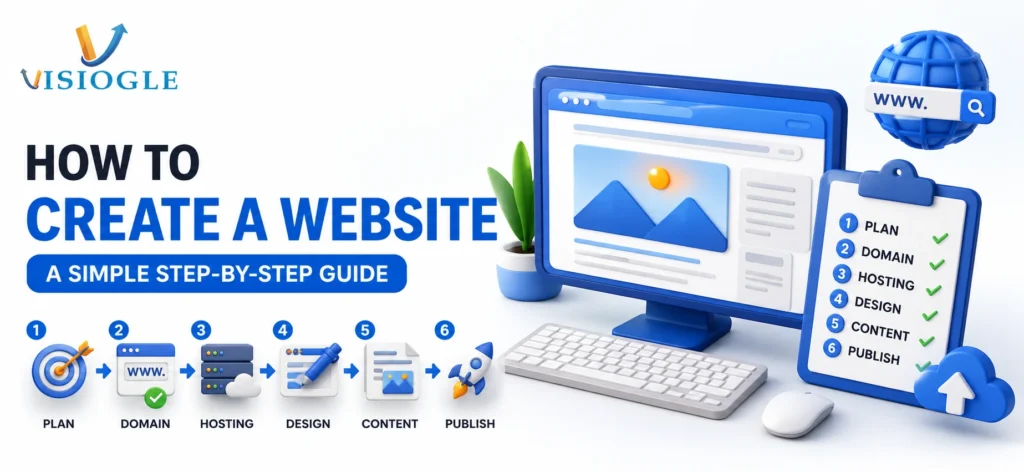
How to Create a Website: A Simple Step-by-Step Guide While it may seem daunting to learn website development, website building is easier than many realize. Whether you’re here to learn how to build a website for your company, as a side hobby, or to learn how to build a website free of cost, here’s your simple step-by-step explanation. At Visiogle, building websites for companies every single day gives us pretty good insight into where you’re likely to get hung up. Let’s dive in. Step 1: Decide the Purpose of Your Website Think about what you want from your website before you get your hands on any of these tools. Are you trying to figure out how to make a business website to sell products online? Are you trying to find out how to create a website for business in order to display your business’s services? Or are you trying to learn how to create free website blog just to jot down your thoughts and feelings? What are you trying to achieve, dictates every thing – the layout, the platform you chose, and if you even have to spend cash on any thing. Step 2: Choose the Right Platform These days there are a lot of ways to build up a site – the most frequently utilized ones are listed below. Wix or Squarespace (a.k.a website builders) Great for those just starting WordPress Best if you want to get more controls and flexibility Shopify The best option if your main outlet is selling products over the internet Custom Development Best when you need something completely unique Step 3: Pick a Domain Name A domain name acts as the address to your site (i.e. www.mycompany.com). Your ideal domain name is short, easy to spell and similar to your business name. Try not to use any numbers or hyphens if possible. Step 4: Choose Hosting Think of hosting as giving your website a physical space on the internet. If you are strapped for cash, you can investigate free web hosting with tools such as GitHub Pages or take advantage of a free package that many providers offer such as Hostinger. This option is great for simple blogs or testing new concepts but is risky to run a business. Step 5: Design Your Pages Now for the part you’ve been waiting for. If you’re just starting to learn how to create a website, or even if you know the basics already, this is what to remember when the page opens up: Home page About page Services or products page Contact page Blog (if you plan to post content regularly) The design must be clean. Don’t put too many words or pictures on the pages. In seconds, any user that visit your web site must know what is your business. Step 6: Add the Basics Every Website Needs However, you should have on your website regardless of the way that you will use to learn how to build your website: A catchy title explaining your services Simple menu for ease of navigation Mobile optimized Fast loading speed A means for you to get in touch Free vs Paid: What Should You Choose? If you’re just checking out an idea, learning how to make your website for free can be a good initial move. However, if you’re planning a website for a business for growth into the future, the hosting, design and more professional feel will easily and quickly pay for itself. Many free sites still have advertisements on them, limited space, and an address on the site not be as professional. When to Get Expert Help Personal blog or quick test will benefit from Free Tools & Templates. Professional team will help avoid common issues of web design and will speed up the creation process for your business website design and mobile-responsive web design. That’s where Visiogle comes in. We build rapid, secure, and manageable websites to suit any kind of business, regardless of scale. Or, if you’ve already decided WordPress is the way forward, we can even manage complete WordPress development for you. We do the plugin/theme research and security optimisation for you, ensuring that you’ll never again have to wonder how it all works. To see all our available services then go to our website development page to learn more, and if you want to sell products online, you can take a look at how we work with Shopify website development. Final Thoughts There is no need for building a website to be scary and difficult. Understand what you want your website to accomplish, choose what tools you need, then get a basic website structure that works. Building on this website with free website-building software is a great first step but as your business expands your professional website is your first, biggest marketing asset. Need to create an awesome site that can effectively bring in customers? Chat with Visiogle and let’s create great things together.